Patient reports with your professional assessment
Bring lab values, trends and your assessment into a clear report in your practice's design.

- Biomarkers
- 52
- Findings
- 3
- Recommendations
- 3
What for
Values alone explain little. Your report puts them in context.
Selection, trend and your professional assessment in one document patients understand.
What the module does.
Build from existing data+
Your own assessment+
Show longitudinal change+
Organise by topic+
Readable explanations+
Practice branding+
Edit before approval+
Professional approval+
PDF & digital delivery+
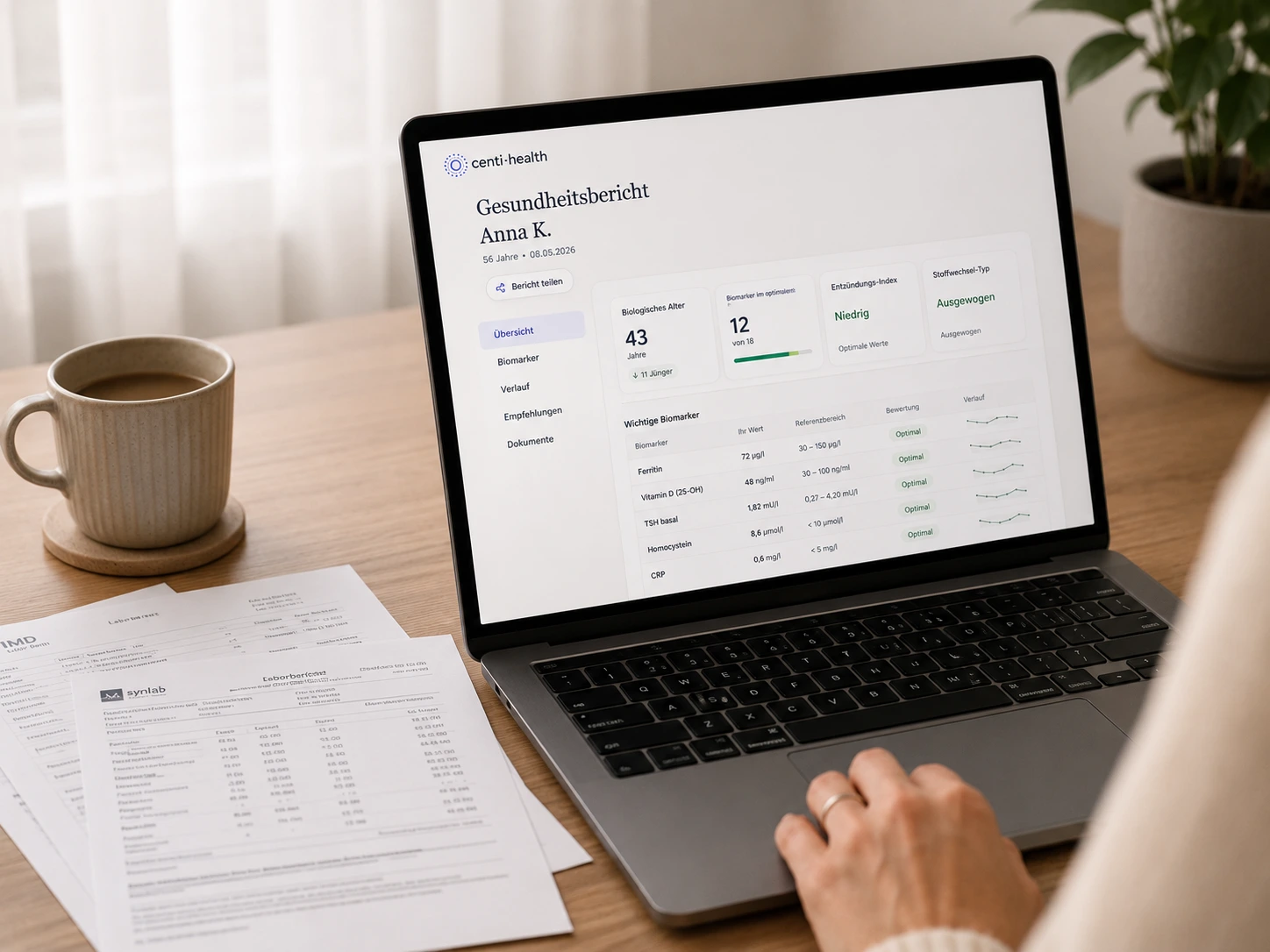
From values to report.
Create the report
Select the patient and decide which approved data and trends belong in the report.
Assemble the content
Values, trends and other relevant information are brought into the report structure.
Add professional context
The practice writes its assessment, context and recommendations in its own words.
Review & approve
Content, presentation and professional statements are checked before final output.
Provide the report
Export the approved report as a PDF or share it through the intended digital channel.
Without and with Centi.
| With Centi-Health | Assemble manually in Word/PDF | |
|---|---|---|
| Reuse data | Use approved data directly as report building blocks. | Copy values and trends from different sources into the document. |
| Professional context | Add the assessment directly alongside structured information. | Write the assessment separately from the underlying data. |
| Design | Apply the practice styling stored in the profile consistently. | Recheck logo, spacing and formatting in every template. |
| Approval | Edit, review and explicitly approve the report before output. | No clear distinction between draft and final document. |
| Delivery | Provide the approved report as a PDF or through the intended digital delivery path. | Export the file and then send it through a separate workflow. |
Frequently asked questions
The report can build on approved information in the patient profile, especially lab values and longitudinal trends. The practice decides which information is actually included.
The professional assessment and recommendations come from the practice. Centi-Health provides data and report structure; final interpretation and approval remain with the practice user.
Yes. The report can be reviewed and adjusted before final approval. Only the approved version should be provided to the patient.
The practice logo, contact details and other stored styling elements can be used in the report output so documents remain consistent.
The report can be exported as a PDF and shared through the digital delivery options available in Centi-Health.
No separate patient app is required for PDF output or the intended web-based delivery options.
What goes with it.



Create your first patient report
Bring values and trends together, add your own assessment and approve the report after review.
Then €29.99 per month excl. VAT · cancel monthly
Cancel monthly · primary patient data in Frankfurt · DPA available